


The complete Rental Management solution for Business Central
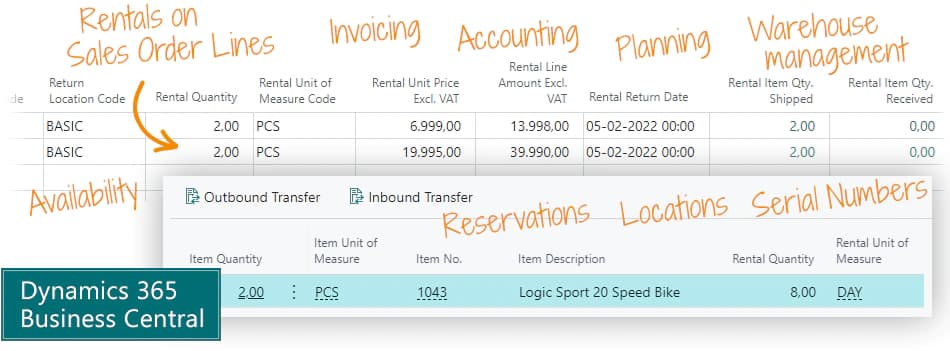
The Rental Management app enables you to select items as Rental Items, rent them to customers on a regular Sales Order, and draw on all the Business Central functionality for planning, availability, reservations, warehouse management with locations, serial numbers etc.
The Rental Management app is for rental companies who would like to manage their equipment inventory.
- You might rent out equipment for construction, hospitality, events etc., or you might be in the consumer market and rent equipment for consumers from your shop.
- The Rental Management app is also used by companies to manage internal rentals, with intermediate invoicing between different internal departments. For example, field service technicians in the support department might rent equipment from the asset department or production, and they must be invoiced internally for this.
Let's go through the process of a rental
- You have a Rental Item with 10 pieces in stock. You can put them on specific locations or just have them in stock.
- Your customer would like to rent 2, and you add them to a Sales Quote or a regular Sales Order, along with other regular items. You can have machine rentals and consumable materials on the same order.
- On the Sales Order Line, you enter a start-date and an end-date for the rental period.
- If you use an availability tool like the free app Graphical Inventory Profile, you will see right away if the rental item is available in the requested period.
- The app now converts the item lines on the Sales Order to resource lines. The rental prices are managed on regular resources in Business Central. Behind the scenes, the app also creates Transfer Orders for the specified dates.
- The Rental Category is configured to use days or months as unit of measure, and the rental price is calculated by the unit of measure, but on the Sales Order you can adjust this as you like.
- Your warehouse ships the entire order without worrying about which items are sold or rented. You might ship hundreds of items on a pallet, and some of them might be Rental Items. All types of items are handled in the same way at the warehouse.
- You can invoice the rental when it is completed. You can also initiate an invoicing batch job, or schedule it for once a month or week.
Abakion is your one-stop shop for Apps



Book a Q&A-session about the app
If you have questions about the app, you can sign up for a free Q&A-session with one of our experts. You can ask any questions you may have.
 Microsoft Teams · 20 minutes
Europe: 3 PM CET / UK: 2 PM GMT / East USA: 9 AM EST
Microsoft Teams · 20 minutesEurope: 3:45 PM CET / UK: 2:45 PM GMT / East USA: 9:45 AM EST
Great features for Rental Sales and Accounting
Availability
The Rental Salesperson may see the availability of a rental item. If you have 10 pieces and rent 2 for a week from Wednesday, you can see that you have 10 pieces of the item available until Wednesday, then 8, and a week later 10 again. When you create a Sales Order, this information is readily available.
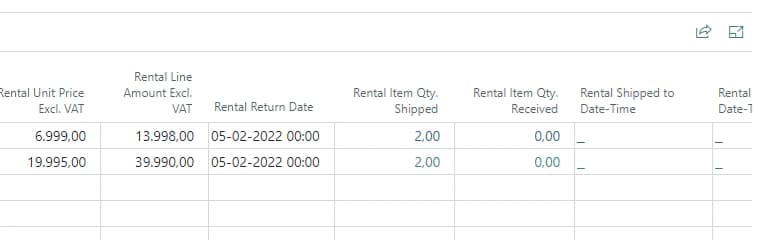
Planning of rentals
You can easily rent out the same item multiple times with date intervals that do not overlap. It is managed by the availability features in Business Central.
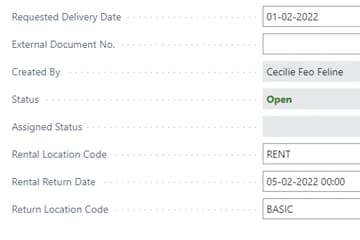
All items on a single Sales Order
You can enter all items for the same customer on one single Sales Order. You can handle rental machines and the associated consumables on the same Sales Order.
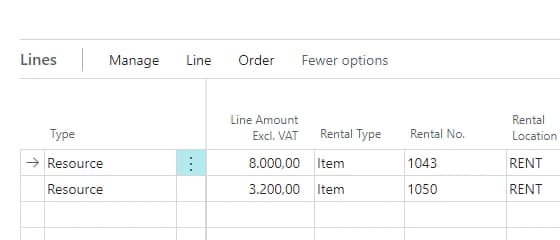
Extend the rental period
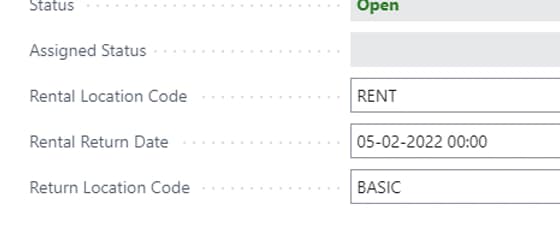
If you extend the rental period, you just change the end-date on the Sales Order Line, and the transfer orders change automatically.
Invoicing Batch Job
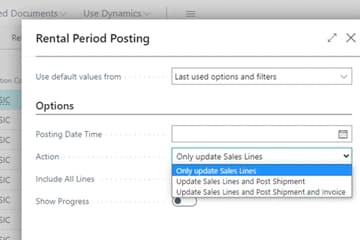
You can create rentals with an open end. The periodic invoicing batch job will calculate and create partial invoices as long as the rental is not concluded. The end-date on the Sales Order is automatically pushed forward until the Rental Item has been returned.
Rent from subcontractors
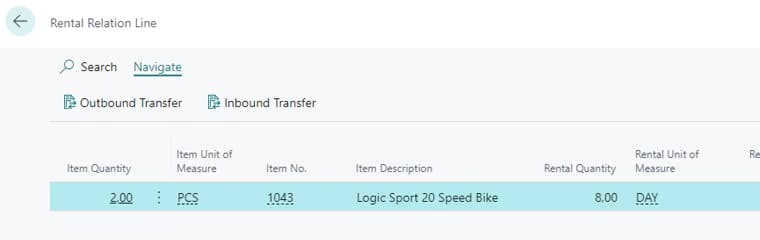
You can rent equipment from a subcontractor, which you rent out to your end customer. You just create a Purchase Order to rent it, and it is received at your warehouse as a Rental Item. Then you rent it out to your end customer, and when it later returns to your warehouse via a Transfer Order, you simply create a Purchase Return Order to deliver the item back to the subcontractor. If the subcontractor has required a deposit, it will simply be credited on the Purchase Return Order. This example requires many documents, but it is quite simple to manage in Business Central, because the Rental Management app controls the entire process.
Include Rental in the complete sales flow
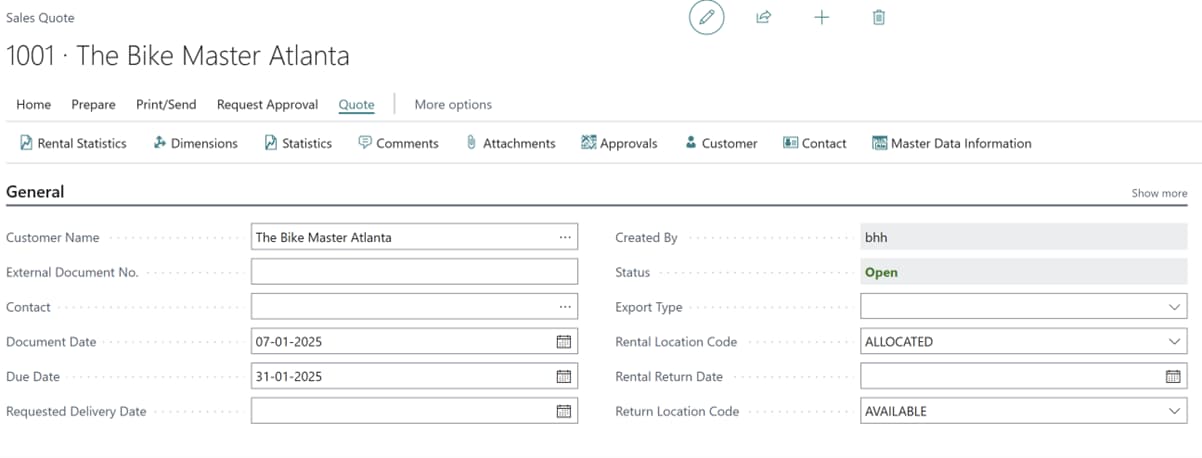
You can include rental offerings in the quoting phase of a sale to ensure accurate and timely invoicing throughout the rental period. This practice enhances the sales process, reduces manual errors, and provides transparent billing to customers.
Innovative Rental Invoicing Plan
The powerful Rental Invoicing Plan combines a Price Scale and Calendar setup to ensure accurate and timely invoicing throughout the rental period. Easily define prices, set up exceptions, and calculate plans with just a few clicks. Enhance your sales process, reduce manual errors, and provide transparent billing to your customers. Activate the Rental Invoicing Plan today and experience streamlined operations and increased customer satisfaction.

No need to invent new processes. The Rental Management app hooks into all the great standard features of Business Central.

Great features for Warehouse Management
Location Management
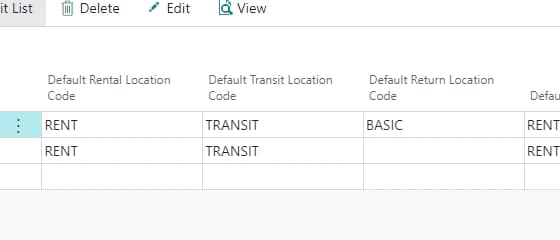
With simple location management, the automated Transfer Order is from and to your warehouse location. While the rental item is at your customer, it is on a Transit Location in Business Central. You can also choose to keep track of which location of the customer the rental item is located at. In this case, the Rental Management app will automatically create two Transfer Orders, one to put it on your customer's location, and another to bring it back to your warehouse.
Rental Items with Serial Numbers
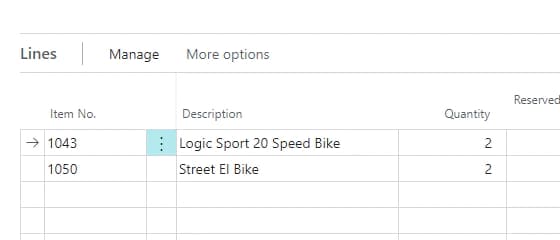
You can manage your Rental Items with Serial Numbers. If you rent construction equipment, you will probably want to do regular rentals of scaffolding or formwork material, but use serial numbers on forklifts and trailers.
Partial inventory receipts
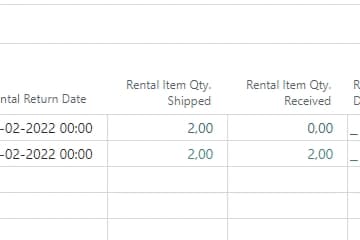
You can do partial receipts. If you have rented 2 pieces of an item on a single Sales Order Line, and you receive 1 piece back, the app will automatically split the Sales Order Line into two lines with separate end-dates.
Receipt of items from different rentals
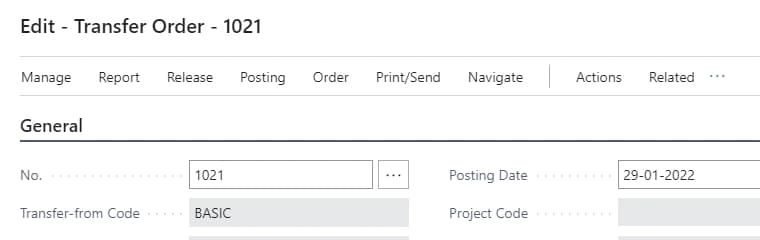
Sometimes a pallet arrives with returned items from the customer's site, but the items actually belong to many different Sales Orders. You can receive it all in one go, and the solution will automatically match the items with the right Transfer Orders, so everything ends up in the right place.
Getting started with Rental Management
Get a 30-day free trial
Install the app Rental Management from Microsoft Marketplace. Available on the cloud edition of Business Central.
Get it on Marketplace »
Watch user guide videos
On Use Dynamics you can watch instructional videos to learn about the functionality of Rental Management.
Watch videos »
Rental Management pricing
Rental Management
Available on the cloud edition of Business Central. The more users you subscribe, the cheaper each becomes. Watch video about the price model »
Get Rental Management with 10 named users at €161,91 per user, per year. Annual subscription (You save 16,67%).
Subscribe »As part of the App Bundle
Get Rental Management as one of the 5 apps you can select with the App Bundle.
The App Bundle allows you to pick any 5 Abakion Apps at a great discount. Read more about the App Bundle »
If you need more than 5 apps, the price of any additional app is reduced to only €5,62 per app per month at 10 users (annual subscription).
Calculate your total price of multiple apps »
Talk to a real human
Have a chat with our app managers Bo H. Hansen and Thomas Halse about pricing and subscriptions:
✉ appsales@abakion.com
We will reply in English.
Support
If you have specific questions about functionality or how to get started, you may contact our support team at frontdesk@abakion.com or call us at +45 70 23 23 17. We will help you find the right video guides, if available.
We strive to provide you a qualified response as quickly as possible, at least within 24 hours but often much quicker.
At all times we will keep you informed about who is working on your support inquiry and how soon you can expect a response.