


Overview forecast, demands, supplies and history in one view with Flexible Forecast
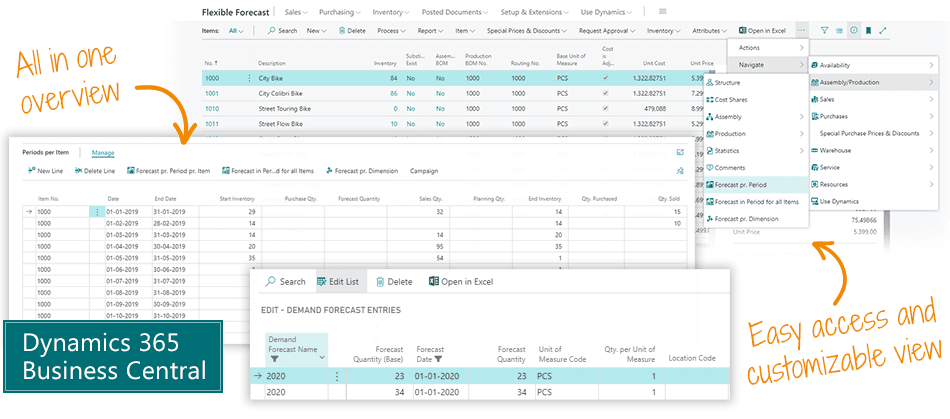
With the Flexible Forecast Business Central app you get the grand overview of your forecasts on item level, including all known demands and supplies, as well as all item history in the selected period. All in one line per item.Customize the view to suit your needs, and select the exact time frame you want to explore. Expand demands and supplies from the item line to see all the movements in a particular period. Export to Excel and import changes back into Business Central.Flexible Forecast is your customizable overview of forecast, demands, supplies and history. Follow-up on your forecast in a single view.
Abakion is your one-stop shop for Apps



Book a Q&A-session about the app
If you have questions about the app, you can sign up for a free Q&A-session with one of our experts. You can ask any questions you may have.
 Microsoft Teams · 20 minutes
Europe: 3 PM CEST / UK: 2 PM BST / East USA: 9 AM EDT
Microsoft Teams · 20 minutesEurope: 3:45 PM CEST / UK: 2:45 PM BST / East USA: 9:45 AM EDT
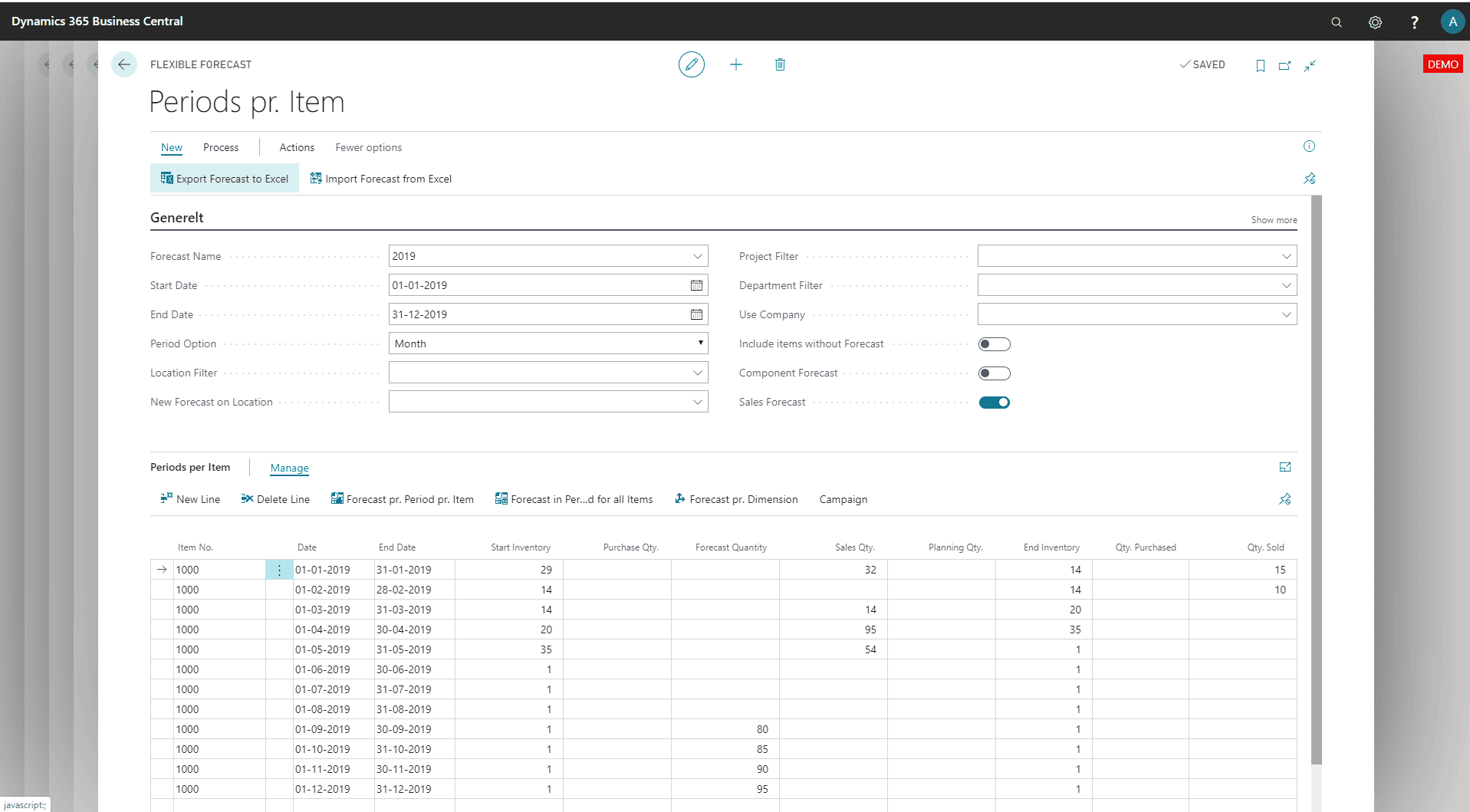
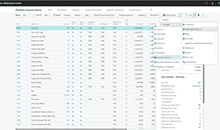
Forecast per period in Business Central.
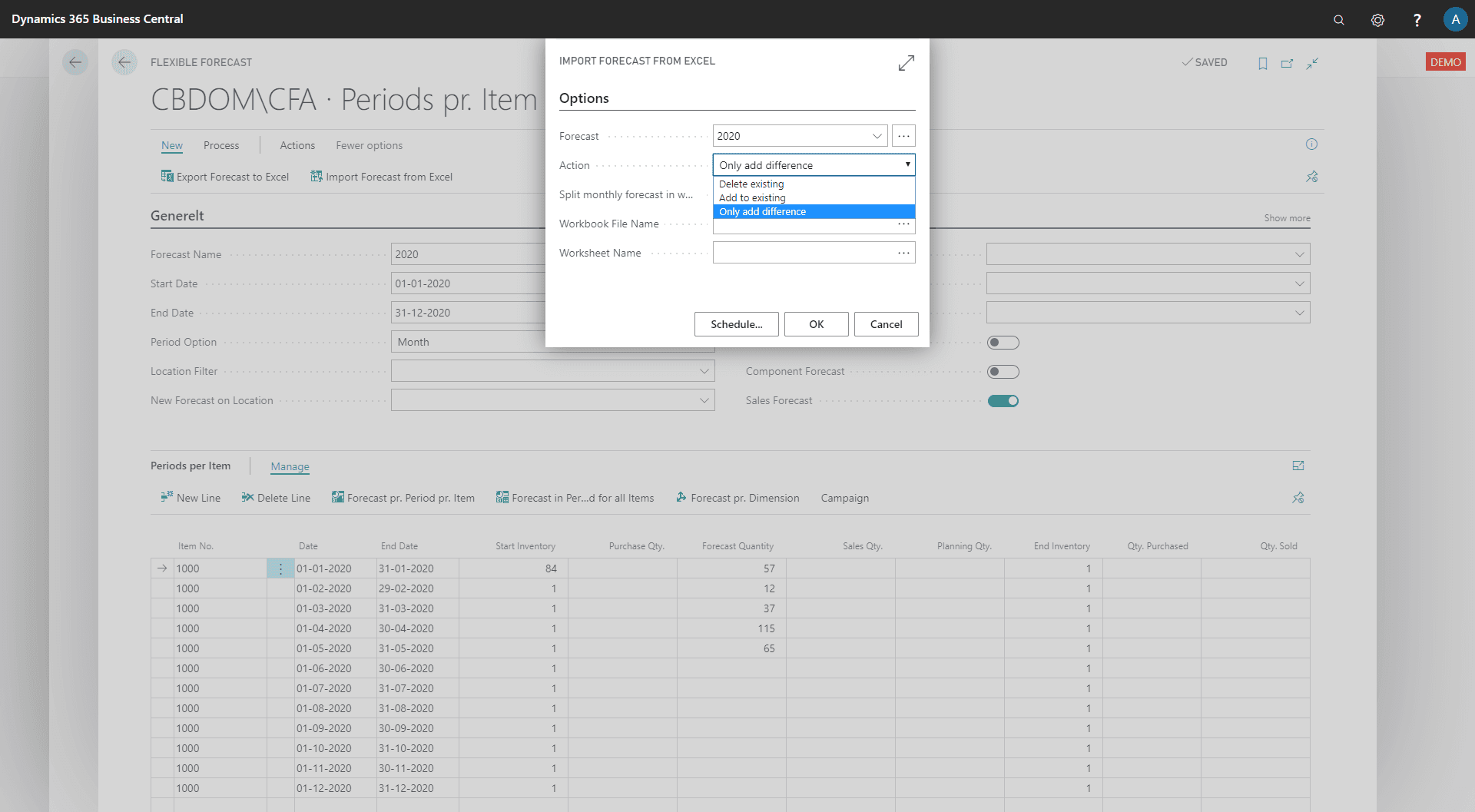
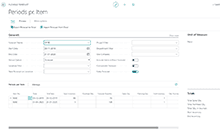
Exporting and importing forecasts from Excel.
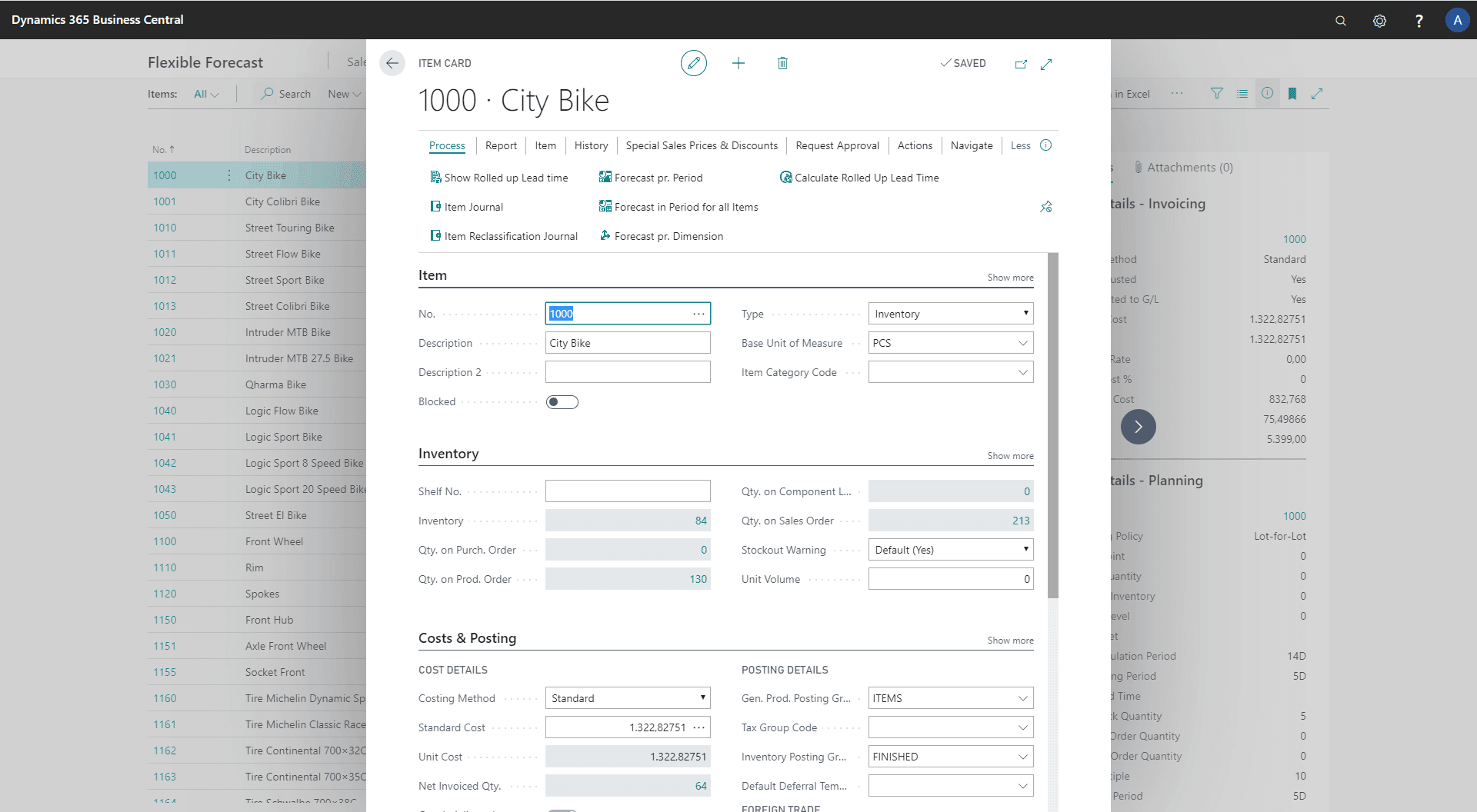
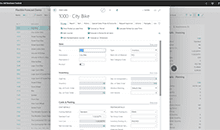
Flexible Forecast on the Item Card.
For Planners and Purchasers
- One combined overview of the inventory availability with all history, known orders and forecasts.
- Ability for the planner to see the expected inventory cost if all forecasted is sold – and if not.
- Consolidated view of the item availability per movement compared with the forecast.
For the Finance Manager
- Ability to see the overall availability of future inventory levels - and predict capital tie.
- Filtering products on the difference between the forecast and the actual orders, and subsequently validating the forecast made by the salespeople.
For the Salesperson
- Quick overview of an item's stock profile and expected receipts.
- Filtering by Dimension or Location makes it possible to control the allocations per campaign and assess available stock that can be sold.
- Quick overview of items which are not reaching the forecast, and for which an extra effort must be made to sell.
Great features with Flexible Forecast Flexible Forecast
Overview in multiple dimensions
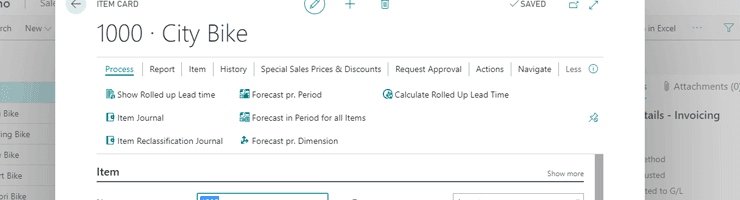
From the Item card, you can select one of the views "Forecast per period", "Forecast in period for all items" or "Forecast per dimension". From each view, you can select your own level of detail - whether all information for the forecasting period should be shown on a single line, or whether some lines should be expanded to show every movement. The views can be configured to be accessible from anywhere in Business Central where an Item Number appears, for instance directly from Sales Order Lines or Planning Journals.
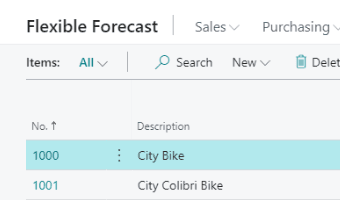
Forecast in period for all items
If you want to see the availability of many items in one period of time, this view lets you import a selection of items by applying a filter to the fields on the Item card. The result is one line per item for the selected period, with the same information as in "Forecast by period". You can still filter by location or see the total for all locations.
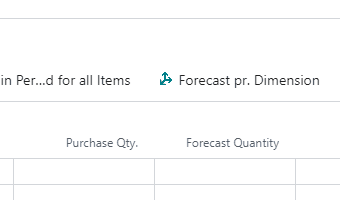
Forecast by Dimension
If you use dimensions on the item entries, for example to manage specific campaigns or products with a "soft" reservation for certain dimension codes, this view shows one item in one period with one line per dimension code, wherever the item has movements. From the overview, you can easily move items from one dimension to another to transfer the "soft" reservation.
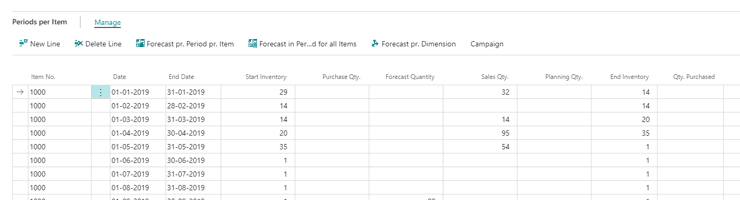
Forecast per period
For each forecasting period, an item line shows the start and end dates and the quantity in the forecast. Each line also displays sales data such as quantity on sales forecast, quantity sold, quantity on sales order, and percentage of sales forecast sold, plus similar columns for production data. Each line also shows open and received purchase orders and transfer orders, and the expected stock development with and without a forecast - both as a quantity and as a cost amount. The forecast can be filtered by one or more locations.
Getting started with Flexible Forecast
Get a 30-day free trial
Install the app Flexible Forecast from Microsoft Marketplace. Available on the cloud edition of Business Central.
Get it on Marketplace »
Watch user guide videos
On Use Dynamics you can watch instructional videos to learn about the functionality of Flexible Forecast.
Watch videos »
Flexible Forecast pricing
Flexible Forecast
Available on the cloud edition of Business Central. The more users you subscribe, the cheaper each becomes. Watch video about the price model »
Get Flexible Forecast with 10 named users at €67,46 per user, per year. Annual subscription (You save 16,67%).
Subscribe »As part of the App Bundle
Get Flexible Forecast as one of the 5 apps you can select with the App Bundle.
The App Bundle allows you to pick any 5 Abakion Apps at a great discount. Read more about the App Bundle »
If you need more than 5 apps, the price of any additional app is reduced to only €5,62 per app per month at 10 users (annual subscription).
Calculate your total price of multiple apps »
Talk to a real human
Have a chat with our app managers Bo H. Hansen and Thomas Halse about pricing and subscriptions:
✉ appsales@abakion.com
We will reply in English.
Support
If you have specific questions about functionality or how to get started, you may contact our support team at frontdesk@abakion.com or call us at +45 70 23 23 17. We will help you find the right video guides, if available.
We strive to provide you a qualified response as quickly as possible, at least within 24 hours but often much quicker.
At all times we will keep you informed about who is working on your support inquiry and how soon you can expect a response.