


Document Customizer makes your documents look good
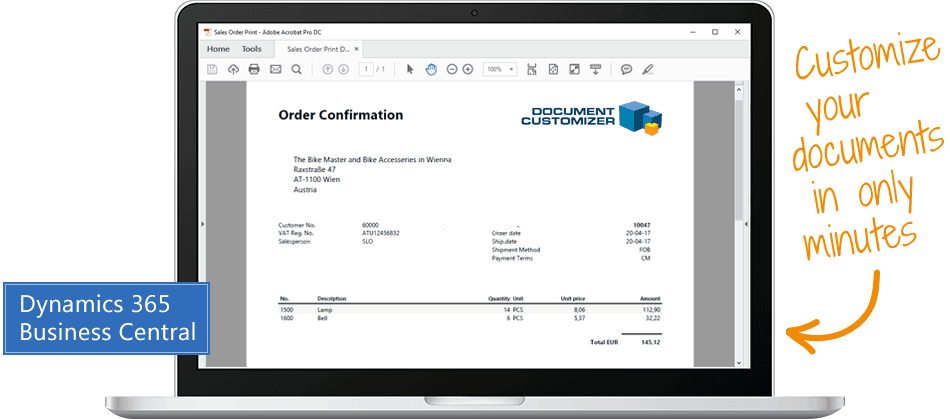
... the easiest way to customize and layout documents in Microsoft Dynamics 365 Business Central
Watch Document Customizer in action
These are your benefits with Document Customizer:
- Best practice at low price
- Flexible customization of outbound documents
- Quick and guided implementation
- Start-up with no need for consulting services
... and these are the most popular features:
- Set up documents in multiple languages
- Use templates to quickly apply a visual identity
- Customize any text or data
- Use different layouts for different customers
- Set up logo or background image
- Schedule and time-restrict text
Document Customizer is the app that enables you to easily:
- customize documents
- edit any text
- insert data from any field
- edit design and layout
- manage language versions
- create customer specific versions
You may also watch videos about Document Customizer on the User Guide Portal Use Dynamics

Abakion is your one-stop shop for Apps



The 27 documents you can edit
- Sales Order
- Sales Quote
- Sales Return Order
- Blanket Sales Order
- Proforma Invoice
- Posted Sales Invoice
- Posted Sales Credit Memo
- Posted Sales Shipment
- Pick Instruction (From Sales Order)
- Warehouse Picklist
- Warehouse Shipment
- Posted Warehouse Shipment
- Production Order w. Routes & Materials
- Assembly Order
- Transfer Order
- Purchase Order
- Purchase Quote
- Blanket Purchase Order
- Purchase Return Order
- Posted Purchase Invoice
- Posted Purchase Credit Memo
- Posted Purchase Receipts
- Reminder
- Service Order
- Customer Statement*
- Master Data Matrix**
- Pick Instruction with Order Hierarchy***
* Limited Editing | ** Require Master Data Information | *** Require Sales Configurator
Great features with Document Customizer
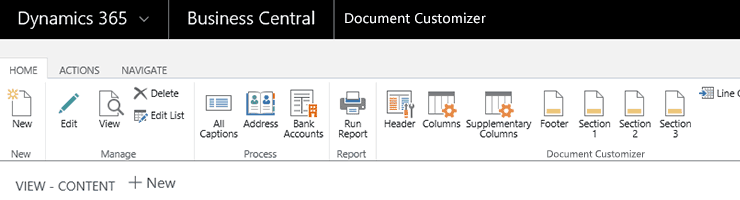
All in one place
Apply changes to all documents in Business Central in one place, if you like.
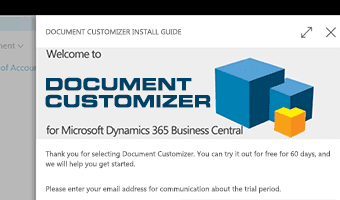
Quick and guided install
Install Document Customizer in only minutes. A wizard will guide you. No technical skills required to get started.
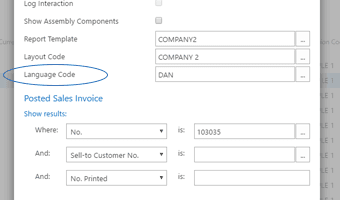
Language versioning
Select language whenever you generate or print any document. The same document can be produced in any language you like.
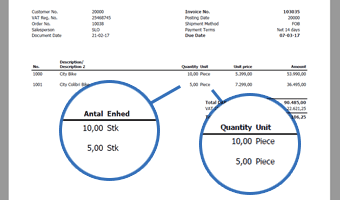
Content in many languages
Language versioning also applies to captions, values and item names. Print an invoice in Danish, and “pcs” will change to “stk”.
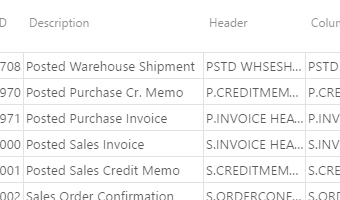
Prebuilt documents
You get prebuilt templates for 20 documents – ready to use. We have analyzed what Document Customizer is used for – and we have included the most popular customizations in the 20 document templates.
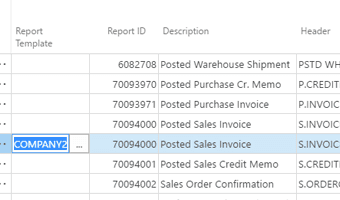
Templates
Use templates to quickly apply a visual identity to your document. Create as many templates as you like – and select a template when you generate the document.
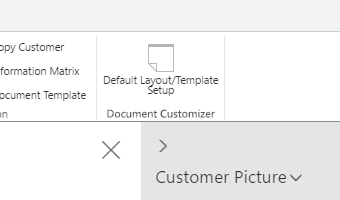
Customer specific templates
Apply a template to a customer if you like, and it will be the default template for the specific customer. If you generate multiple invoices, you will see invoices in different layouts depending on the template selected on each customer.
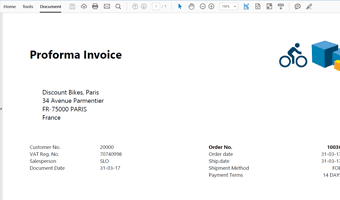
Comply with customer requirements
Your key customers may require specific document layouts. You can give them exactly what they want by designing a template – just the way they prefer it.
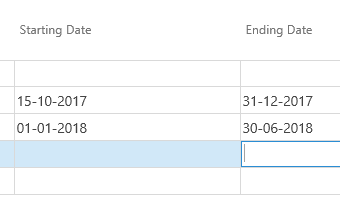
Start/end times for data
Set start/end time for data-sections and footer. Use this to manage implementation of new layouts – or to schedule the christmas greeting on the invoice and have it automatically expire.
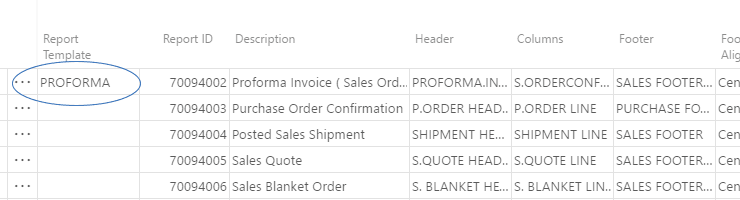
Document versioning
Customize heading and captions to create alternate versions of documents. You may easily create a Credit Statement or a Proforma Invoice from your regular Invoice.
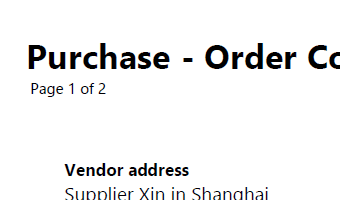
Page Numbering
Add automatic page numbering to documents – and exclude page numbers if there is only one page.
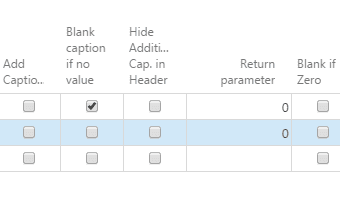
Manage blank fields
Select if fields with no data should be displayed or hidden.
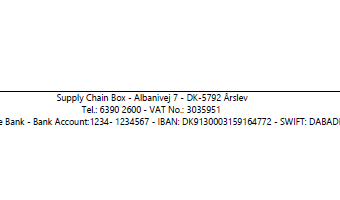
Payment information
Besides bank account information, you may add a separate payment information, typically used in countries that do not use IBAN.
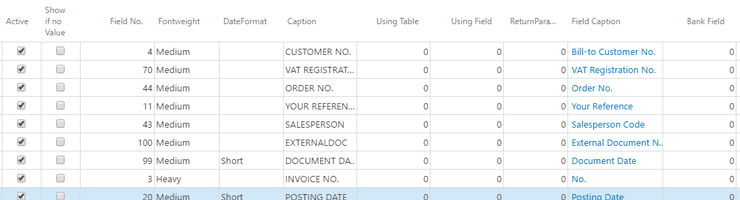
Customize the header
You may customize the title of the document, the bill-to and ship-to address and edit any general header information.
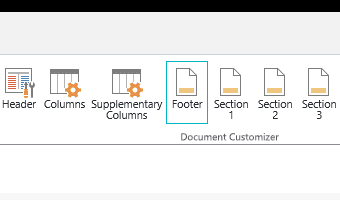
Post-header and pre-footer
Add generic text in 3 predefined sections right below the header and just before the footer.
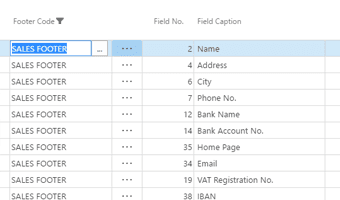
Customize the footer
Change any general footer information.
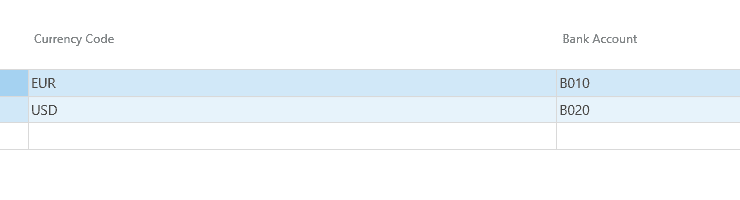
Bank accounts and currencies
Use bank accounts with different currencies – and assign different bank accounts to different customers to display payment information on documents specific to each customer.
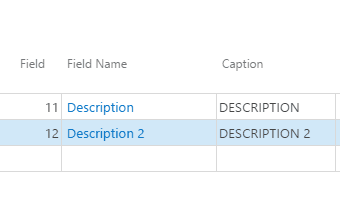
Add or hide columns
You can customize the lines of the document by adding new columns or hiding existing ones.
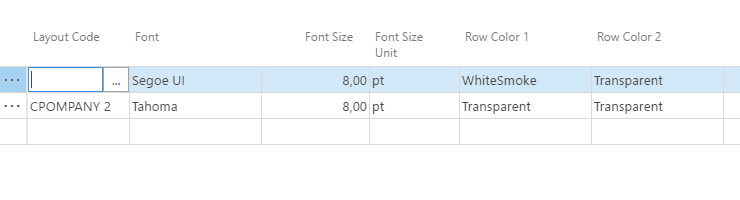
Customize lines
Customize the visual layout of the lines by changing the width of each column, setting alignment and properties, changing line totals, setting the background color of lines etc.
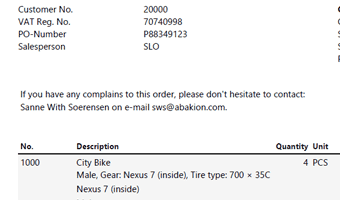
Add text
Add any text to your documents, like payment information, warranty notice etc.
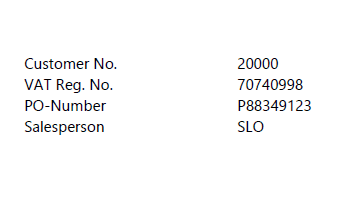
Add customer specific text
Include contextual data on your documents, like a contact person assigned to the customer.
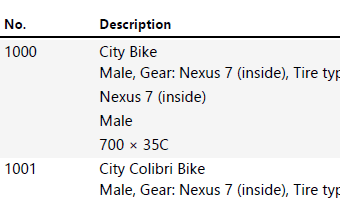
Add item specific text
Include information related to items included on the lines of the document, like maintenance recommendations, return policies, quality inspection notice etc.
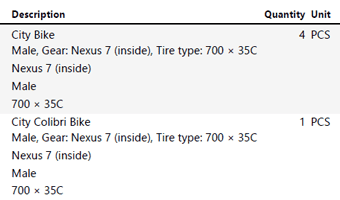
Include Master Data
You may add item master data to item lines on your documents. (This of course requires the Master Data Information app).
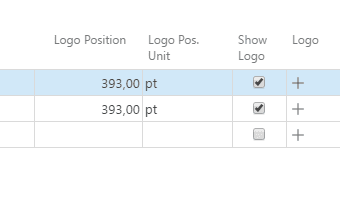
Logo
Add your logo and position it vertically as you like.
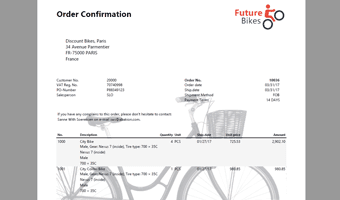
Background image
Add a background image (watermark) to create visually appealing documents.
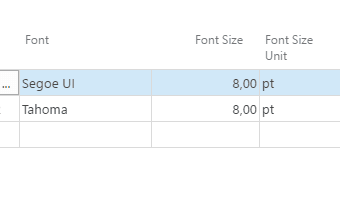
Overall font and size
Change the font type and font size as an overall setting.
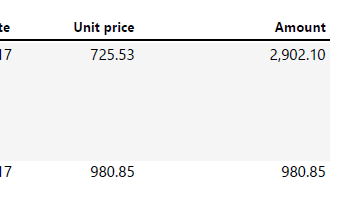
Number formats
Set the formatting of numbers printed on documents.
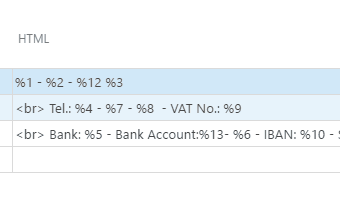
Use HTML-formatted text
Set up generic text sections with HTML formatting and merge fields (syntax: %1)
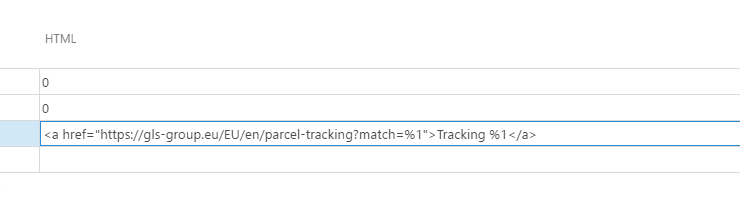
Tracking link
Add an order specific link to the freight forwarders tracking system.
Getting started with Document Customizer
Get a 30-day free trial
Install the app Document Customizer from Microsoft Marketplace. Available on the cloud edition of Business Central.
Get it on Marketplace »
Read the step-by-step guide
We guide you from installation and configuration to your first use of Document Customizer.
Read the guide »
Watch user guide videos
On Use Dynamics you can watch instructional videos to learn about the functionality of Document Customizer.
Watch videos »
Document Customizer pricing
Document Customizer
Available on the cloud edition of Business Central. The more users you subscribe, the cheaper each becomes. Watch video about the price model »
Get Document Customizer with 10 named users at €107,94 per user, per year. Annual subscription (You save 16,67%).
Subscribe »As part of the App Bundle
Get Document Customizer as one of the 5 apps you can select with the App Bundle.
The App Bundle allows you to pick any 5 Abakion Apps at a great discount. Read more about the App Bundle »
If you need more than 5 apps, the price of any additional app is reduced to only €5,62 per app per month at 10 users (annual subscription).
Calculate your total price of multiple apps »
Talk to a real human
Have a chat with our app managers Bo H. Hansen and Thomas Halse about pricing and subscriptions:
✉ appsales@abakion.com
We will reply in English.
Support
If you have specific questions about functionality or how to get started, you may contact our support team at frontdesk@abakion.com or call us at +45 70 23 23 17. We will help you find the right video guides, if available.
We strive to provide you a qualified response as quickly as possible, at least within 24 hours but often much quicker.
At all times we will keep you informed about who is working on your support inquiry and how soon you can expect a response.