


Commerce Manager provides a unified interface and automated management for import of Sales Orders
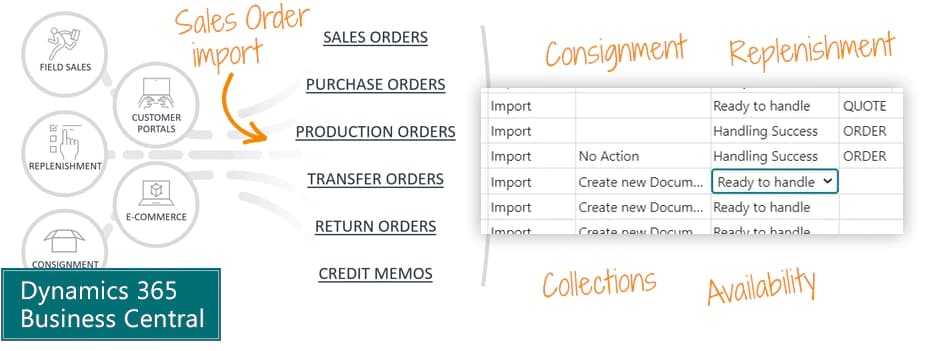
Automate import of Sales Orders from all your sources into Microsoft Dynamics 365 Business Central.
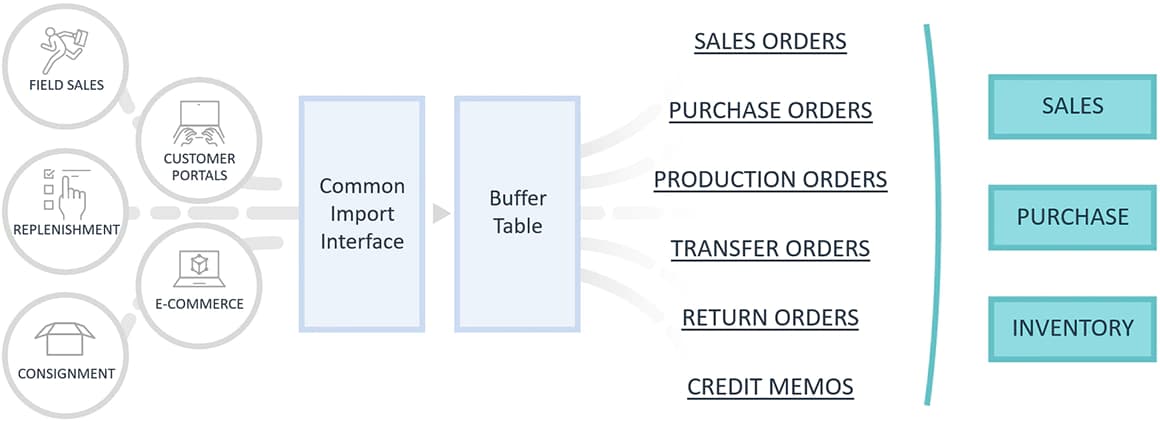
Common interface: You get one single interface to the outside world, and you can use it for field sales, shop replenishment, consignment, customer portals, e-commerce etc.
Automated management: Commerce Manager will receive everything in a buffer table and convert it according to your configuration. The order from customer A will turn into a Sales Order, while the order from customer B will become a Transfer Order, because we have a consignment agreement.
Conversion: Commerce Manager supports all document types for Sales, Purchase and Inventory.
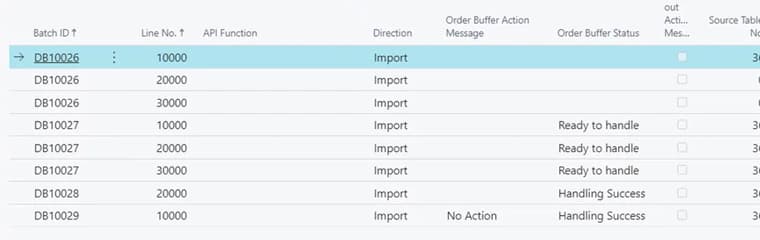
Commerce Manager has a really simple user interface. But you only see the tip of the iceberg.
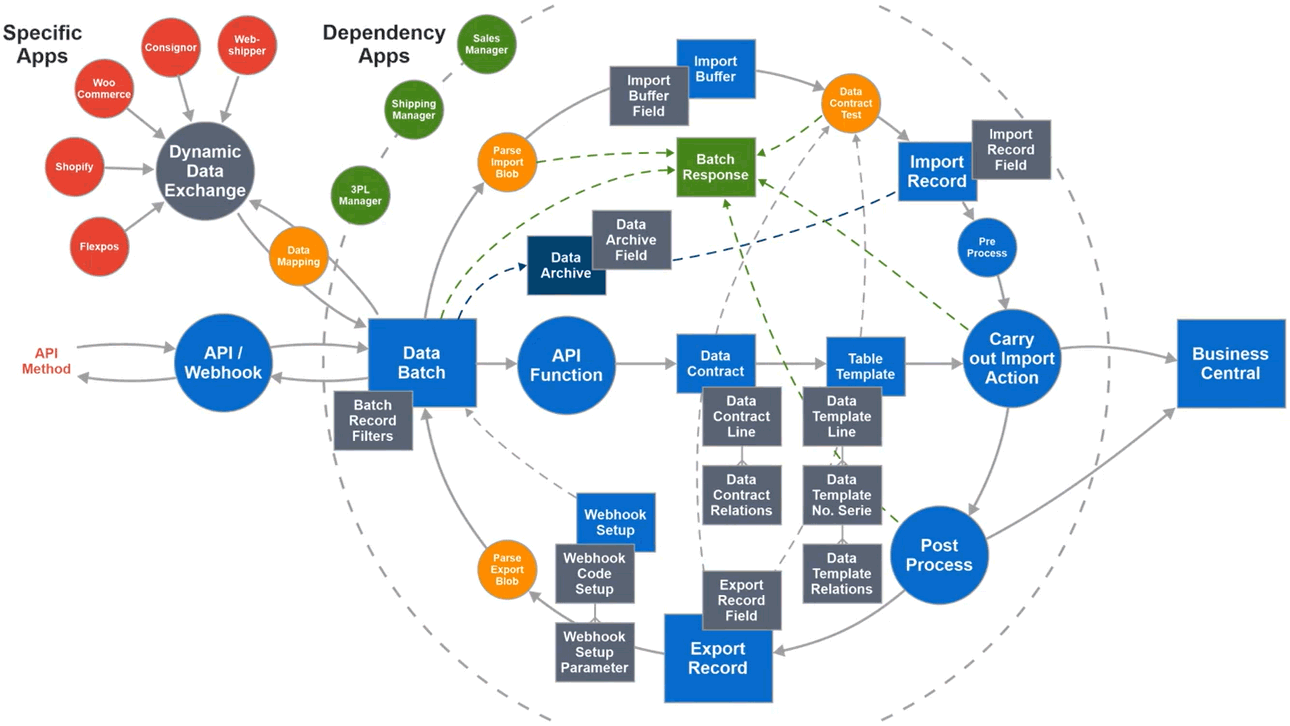
The real strength of this solution is the Contract Manager engine that is embedded in the core of the solution. We use this for multiple purposes and for multiple apps. This is not a simple data-mapping - it's an enterprise data management tool that you can use for a multitude of purposes.
You don't have to understand the complexity of this drawing. You can just enjoy the rich functionality with a simple interface.
We have listed some of the potential use cases on this page. But when you get started with Contract Manager, we are certain that you will use it for many things, because it's really versatile.
Abakion is your one-stop shop for Apps



Great features with Commerce Manager
Replenishment
Your sales reps visit customers and decide which items to replenish. They record the orders in the same interface, no matter if it's regular sales orders, consignment transfer orders or intercompany purchase orders. One interface for everything, and Commerce Manager automatically creates the right documents in the backend.
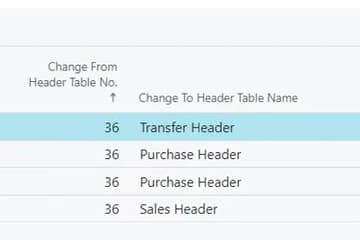
Consignment
You can manage consignment as a part of your regular processes. If you have a consignment agreement with a customer, Commerce Manager will automatically convert the incoming sales order into a transfer order. It's all managed by the configuration.
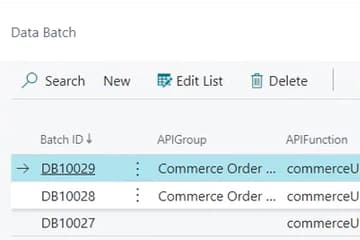
E-commerce
Use Commerce Manager to receive orders from your e-commerce store. If there is no customer number on the incoming order, Commerce Manager will use a customer template, and you can add master data later. You can control this process by the configuration of the app.
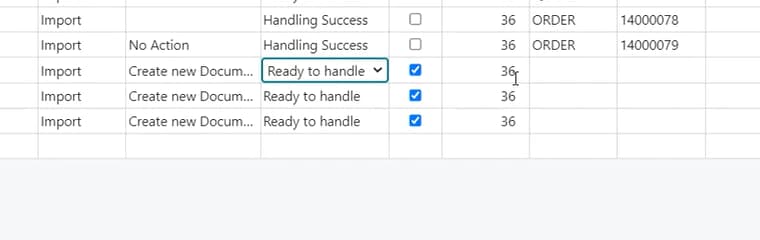
EDI
Use the import functionality of Commerce Manager to receive Sales Orders via EDI. You have the full functionality available to manage, convert and automate the EDI process.
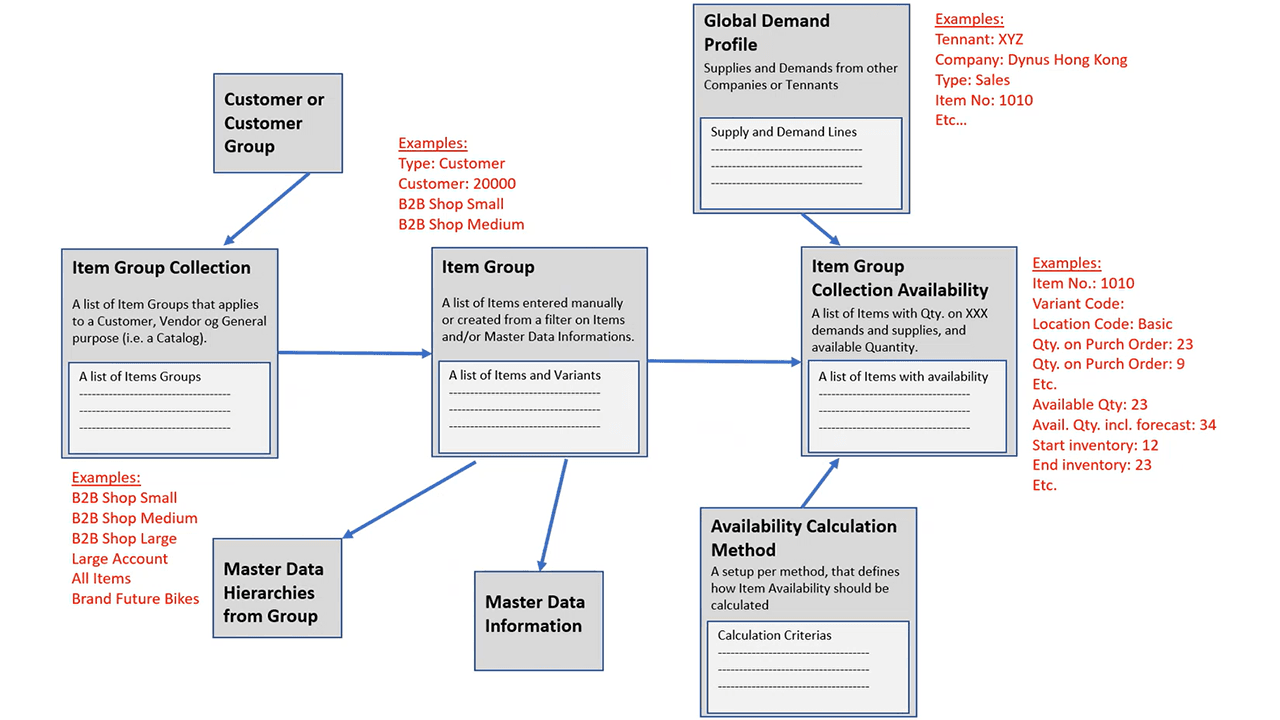
Collections
Assign a collection of items to be available for a customer. Some customers are allowed to buy some items, and others are allowed to buy other items. You are in control, and the sales rep will never accidentally select an item not allowed for the customer. You can also use this functionality to make only a certain collection of items available on your web store.
Availability
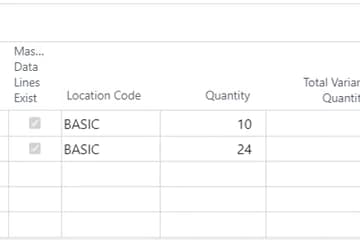
You can customize availability to individual customers or groups of customers. Most customers may see items available with a high safety stock margin, while a priority customer may see items available with a lower safety stock margin, which means they can order more.
Getting started with Commerce Manager
Get a 30-day free trial
Install the app Commerce Manager from Microsoft Marketplace. Available on the cloud edition of Business Central.
Get it on Marketplace »
Commerce Manager pricing
Commerce Manager
Available on the cloud edition of Business Central. The more users you subscribe, the cheaper each becomes. Watch video about the price model »
Get Commerce Manager with 10 named users at €67,46 per user, per year. Annual subscription (You save 16,67%).
Subscribe »As part of the App Bundle
Get Commerce Manager as one of the 5 apps you can select with the App Bundle.
The App Bundle allows you to pick any 5 Abakion Apps at a great discount. Read more about the App Bundle »
If you need more than 5 apps, the price of any additional app is reduced to only €5,62 per app per month at 10 users (annual subscription).
Calculate your total price of multiple apps »
Talk to a real human
Have a chat with our app managers Bo H. Hansen and Thomas Halse about pricing and subscriptions:
✉ appsales@abakion.com
We will reply in English.
Support
If you have specific questions about functionality or how to get started, you may contact our support team at frontdesk@abakion.com or call us at +45 70 23 23 17. We will help you find the right video guides, if available.
We strive to provide you a qualified response as quickly as possible, at least within 24 hours but often much quicker.
At all times we will keep you informed about who is working on your support inquiry and how soon you can expect a response.