 Español
 Get access to the system
The first task is to get access to the Microsoft Dynamics 365 Business Central solution. You need to answer some questions, then we can give you access to your own Business Central.
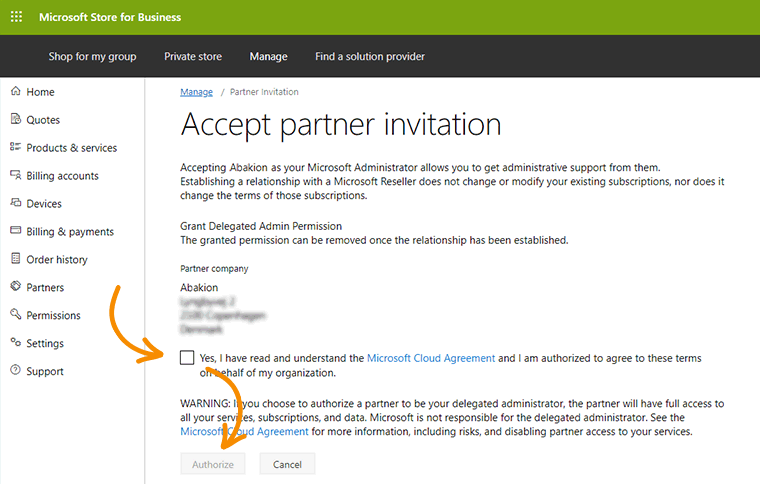
Microsoft Cloud Agreement
To purchase a cloud solution from Microsoft, you must be familiar with their Cloud Agreement, which is the conditions for your use of their cloud solutions.
 Open the Cloud Agreement document in English here.
You may also read about the agreement in other languages here.
If you have Microsoft 365, please read more here »
Login details
Once you’ve received your login details, watch this video to see how to log on to the system:
Learn the basics
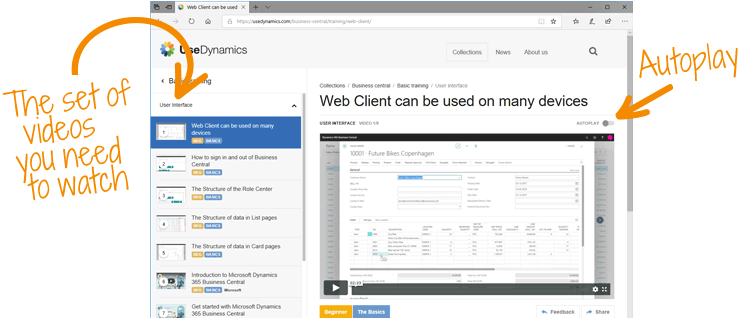
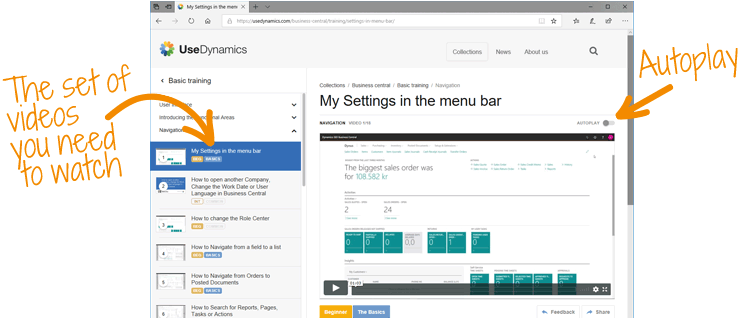
If you already know Business Central, you may well breeze through this topic. If not, we recommend you watch some videos about the basics of using Business Central.
We start with a series of videos about the Business Central user interface. Watch more »